

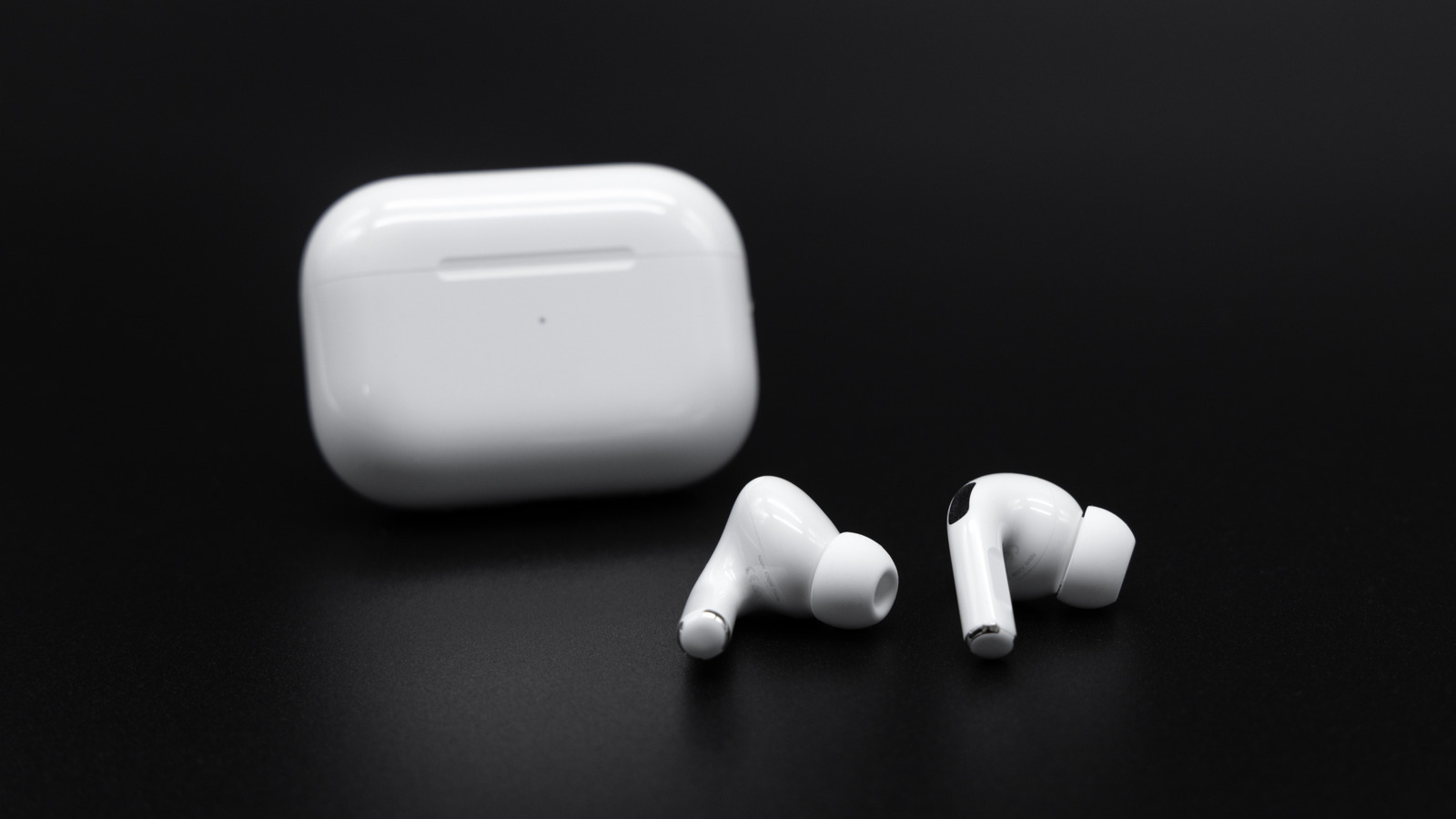
For those fully immersed in the Apple ecosystem, AirPods stand out as an unparalleled choice for headphones or earphones, thanks to their seamless integration. The entry-level AirPods 4, for instance, deliver impressive audio quality, especially with the option of Active Noise Cancellation (ANC) for an additional cost. While Apple claims a battery life of up to five hours on a single charge and 30 hours with the charging case for the base models, the AirPods Pro 3 offers around eight hours with ANC and 24 hours with the case. However, without proper care, even the most robust battery life can deteriorate.
Battery degradation is an inevitable process. Nonetheless, certain factors, such as exposure to excessive heat, can hasten this decline. It is advisable to keep your AirPods away from extreme temperatures and direct sunlight, particularly during charging. Another significant factor influencing battery wear is the number of charging cycles. Each complete cycle slightly reduces the battery's maximum capacity, and lithium-ion batteries, like those in AirPods, are not designed to be fully charged or completely drained regularly.
To assist in maintaining battery longevity, Apple has integrated a feature available on supported models. By connecting your AirPods to an iPhone or iPad, you can navigate to Settings > AirPods > Battery, and enable the "Optimized Battery Charging" feature. This function limits charging to 80% and only reaches 100% when necessary, learning your charging habits over time to optimize battery health.
Strategies to Extend Your AirPods' Battery Life
When managing battery life, it’s essential to differentiate between two types of decline: daily battery drain, which is temporary, and more permanent degradation that occurs over years. Your AirPods will inevitably have reduced battery life compared to when they were brand new. Even if the battery indicator shows 100%, the actual capacity may be diminished.
To minimize charging cycles and slow the rate of battery degradation, consider maximizing the use of your AirPods on a single charge. Features like ANC can significantly impact battery life; therefore, if you possess a model with ANC capabilities, you might want to reconsider using noise cancellation all the time. You can disable ANC through your iPhone, iPad, or Mac when not needed. Additionally, turning off features such as automatic ear detection, spatial audio, and head tracking can help conserve battery life. While the Find My feature is invaluable for locating misplaced AirPods, disabling it may also contribute to longer battery usage.
It’s important to note that turning off these features might detract from the overall user experience. While we don’t recommend completely disabling Find My, as it is incredibly useful for tracking lost devices, the option is available if you aim to extend battery life. Overall, AirPods are designed with endurance in mind, and while you may not observe a drastic increase in battery performance, these tips can help you maximize your AirPods' longevity.
Final Thoughts
Taking proactive measures to care for your AirPods' battery can significantly enhance their lifespan and performance. By implementing these strategies, you can enjoy longer usage from your AirPods and ensure that they serve you well for years to come.
Source: SlashGear News